Updated March 2026
In This Guide:
- The 2026 Setup: Web UI vs. Discord
- The Professional Prompt Formula
- 3 Magic Parameters (–ar, –sref, –cref)
- Copy-Paste Prompts for Marketers
- Midjourney Pricing & Rights (Table)
- Answers to the most common questions (FAQ)
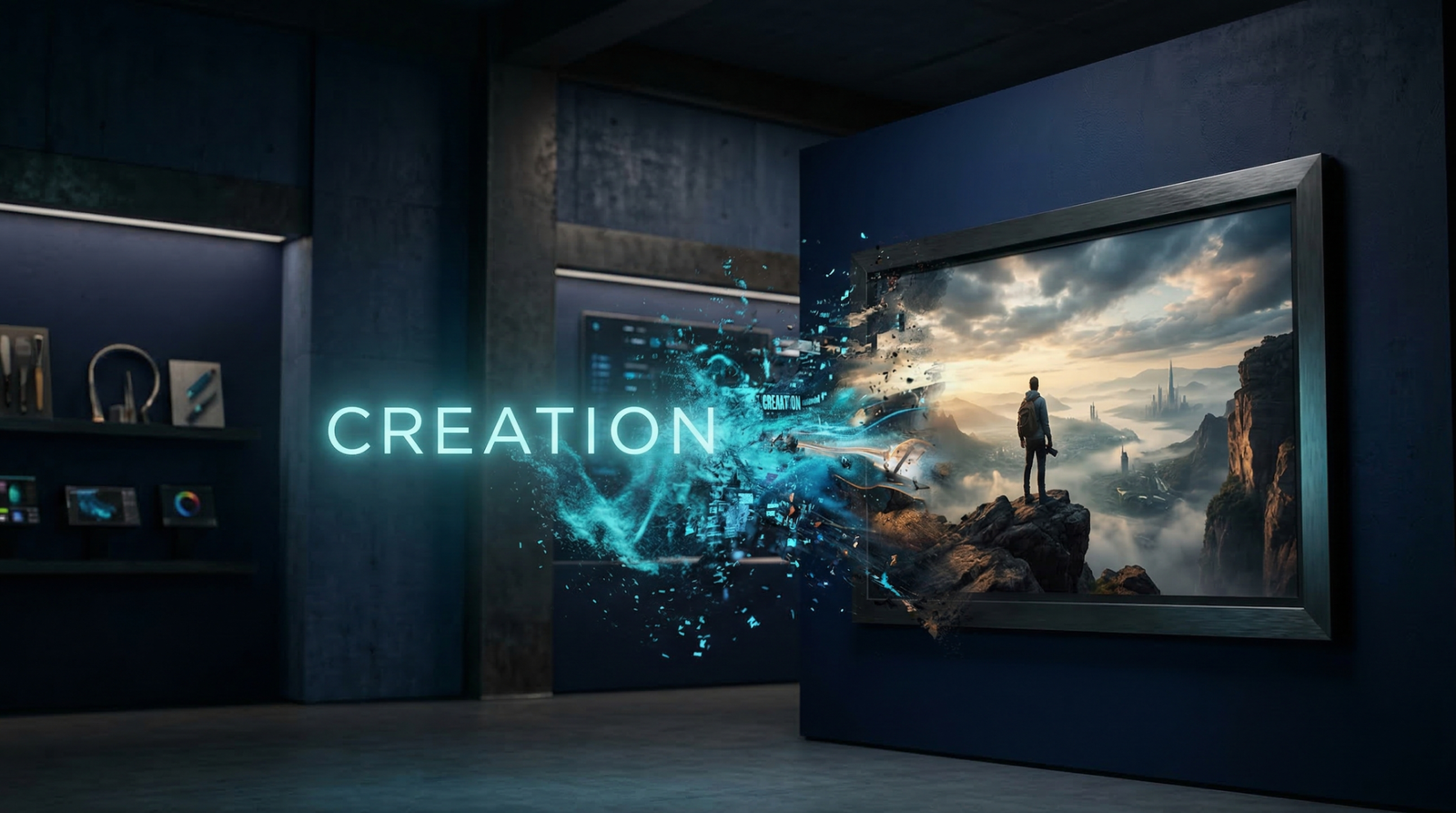
Stock photos are killing your brand’s visual identity. The same overpriced, over-licensed images appear on your blog, your competitor’s homepage, and a dental office in Ohio — and audiences have learned to tune them out on sight.
This Midjourney beginner guide exists because that problem is now entirely solvable. Midjourney v6+ has crossed the uncanny valley — generating photorealistic, commercially usable images that are indistinguishable from professional photography when prompted correctly. You don’t need design skills, Photoshop, or a creative agency. You need the right formula. This guide gives you that formula, start to finish.
The 2026 Setup: Midjourney Web Interface vs. Discord
Early Midjourney tutorials all started the same way: open Discord, find the bot, type /imagine, and navigate a server that felt like it was designed to confuse you. That’s no longer the required path.
Midjourney’s Web Interface (available at midjourney.com) has replaced Discord as the recommended starting point for new users in 2026 — and it fundamentally changes how approachable the tool is. Instead of memorizing parameter syntax, you interact with visual sliders directly in the dashboard:
- Aspect Ratio slider — drag to your target format without typing
--ar - Stylization slider — controls how much creative liberty Midjourney takes (low = literal, high = artistic)
- Weirdness slider — introduces unexpected, surreal elements for experimental output
- Style Raw toggle — disables Midjourney’s default aesthetic enhancement for more neutral, photographic results
The web interface also shows your full generation history in a scrollable gallery, lets you remix and vary images with one click, and allows image uploads directly from your desktop for reference — no bot commands required.
The bottom line: If you’re learning how to use Midjourney for the first time in 2026, start at midjourney.com. Discord remains available and still used by power users who prefer prompt-only workflows, but beginners have no reason to go there first.
The Anatomy of a Professional Midjourney Prompt
Typing “a cool dog” will get you a mediocre AI image that looks exactly like every other mediocre AI image. The output reflects the vagueness of the input. Professional results require a structured prompt formula.
The Professional Prompt Formula
[Subject/Action] + [Setting/Background] + [Lighting] + [Camera/Lens/Film Type] + [Parameters]
Each layer of this formula serves a specific function:
- Subject/Action — What is in the image, and what is it doing? Be precise. “A woman looking away” is better than “a woman.” “A focused founder reading documents at a standing desk” is better than “someone working.”
- Setting/Background — Where is the subject? What surrounds it? Sparse detail here produces cluttered outputs. “Minimalist white studio,” “blurred urban background,” and “isolated on seamless cream backdrop” all produce fundamentally different images.
- Lighting — This single element transforms amateur AI art into photorealistic AI art. Lighting terms that work: golden hour side lighting, soft diffused north window light, dramatic chiaroscuro, product photography studio strobe, neon backlight.
- Camera/Lens/Film Type — This is the most underused layer in beginner prompts and the one with the highest return. Adding camera language signals to Midjourney that you want a photographic aesthetic, not a rendered or illustrated one.
Camera terms that instantly improve photorealism:
shot on Canon EOS R5, 85mm portrait lens, f/1.8 bokeh35mm film, slight grain, warm Kodak Portra 400 tonesaerial drone photography, wide angle, high resolutionmacro lens, extreme close-up, shallow depth of fieldcinematic anamorphic lens, letterbox crop, movie still
Before vs. After example:
❌ Amateur: “a coffee shop interior”
✅ Professional: “Cozy independent coffee shop interior, warm afternoon light streaming through large windows, exposed brick walls, Leica M10 35mm lens, shallow depth of field, golden hour, cinematic color grade, film grain”
The second prompt produces a result a lifestyle magazine would publish. The first produces a generic render. The only difference is specificity.
3 Magic Parameters Every Beginner Must Know
If you’re working in the Discord interface or using the manual prompt field in the web UI, these three Midjourney parameters deliver the highest-value output per line of syntax.
1. Aspect Ratio — --ar
Controls the output image dimensions. Match your platform’s native format:
| Use Case | Parameter | Format |
|---|---|---|
| YouTube thumbnails, blog headers | --ar 16:9 | Landscape |
| Instagram Reels, TikTok, Stories | --ar 9:16 | Vertical |
| LinkedIn and Twitter post images | --ar 1:1 | Square |
| Pinterest and product boards | --ar 2:3 | Portrait |
2. Style Reference — --sref [URL]
This is the most powerful parameter for brand consistency — and most beginners never discover it. Paste a URL to any existing image, and Midjourney uses that image’s visual aesthetic, color palette, texture, and mood as the style template for the new generation. It does not copy the content of the image — only the style.
Practical use for marketers: Find an existing image that matches your brand visual identity (from your own website, a past campaign, or a Pinterest board). Drop that URL into --sref. Every subsequent image you generate with that reference will inherit the same tonal and aesthetic DNA — no Photoshop color grading required.
3. Character Reference — --cref [URL]
For brands that use a recurring mascot, spokesperson, or illustrated character, --cref maintains visual consistency across different images. Paste a URL to an existing image of your character, and Midjourney preserves their facial features, style, and identity across new scenes and poses.
This solves one of AI image generation’s historically most painful limitations — character drift — without requiring custom model training.
Copy-Paste Prompt Templates for Creators
Both prompts below are production-ready. Copy, paste, and adjust the product/color/style details to match your needs.
Prompt 1: E-Commerce Product Photography
A luxury skincare serum bottle, frosted glass with gold typography, positioned on a white marble podium, water droplets splashing dynamically around the base, soft studio strobe lighting from above-left, reflections on wet marble surface, clean white background, commercial product photography, shot on Hasselblad medium format, ultra sharp, 8K resolution –ar 1:1 –style raw
Why it works: --style raw disables Midjourney’s artistic enhancement for a clean, neutral commercial aesthetic. The camera and lighting specifics signal product photography intent. The marble and water elements are proven e-commerce visual cues for premium positioning.
Prompt 2: SaaS / Blog Hero Illustration
Minimal flat vector illustration, two professionals collaborating around a glowing holographic dashboard interface, corporate Memphis style, clean geometric shapes, rounded corners, color palette strictly blue #2D6BF4 and warm orange #FF7A35 with white background, no gradients, no shadows, modern tech startup aesthetic, SVG-ready illustration style –ar 16:9
Why it works: The hex codes constrain the output to exact brand colors. “Corporate Memphis” is a recognized illustration style term that Midjourney understands precisely. --ar 16:9 makes it immediately usable as a blog hero image or presentation slide.
Pricing and Commercial Rights (2026)
A critical point that many beginner tutorials skip: free Midjourney generations are not licensed for commercial use. Any image you use in a business context — marketing materials, website, social ads, product packaging — requires a paid plan.
| Plan | Price | Best For | Commercial Rights |
|---|---|---|---|
| Basic | $10/month | Personal projects, learning, low-volume | ✅ Yes |
| Standard | $30/month | Freelancers and content creators, 15h fast GPU/month | ✅ Yes |
| Pro | $60/month | Agencies and high-volume marketers, Stealth Mode, unlimited relaxed | ✅ Yes |
The Stealth Mode distinction: On Basic and Standard plans, every image you generate is visible in Midjourney’s public community gallery. Other users can see and be inspired by your work. If you’re generating Midjourney prompts for marketing that include unreleased product visuals, proprietary brand assets, or confidential campaign concepts — upgrade to Pro for private generation.
FAQ — Midjourney for Beginners
Q: Do I need a powerful computer to run Midjourney?
No. Midjourney runs entirely on its own cloud GPU infrastructure — your computer, phone, or tablet is just the interface. A basic laptop with a stable internet connection is all you need. Generation happens on Midjourney’s servers and the finished image is delivered to your browser within seconds.
Q: Can I fix errors in a generated image, like distorted hands or incorrect text?
Yes — use the Vary (Region) feature (also called Inpainting). Click any generated image, select “Vary (Region),” paint over the area you want to change (a hand, a background element, text that rendered incorrectly), and type a corrected description for that specific region. Midjourney regenerates only the selected area while preserving the rest of the image. This is the primary workflow for refining near-perfect generations without starting over.
Q: Are my generated images visible to the public?
By default, yes. On Basic and Standard plans, all images appear in Midjourney’s community gallery and are searchable by other users. The Pro plan’s Stealth Mode generates images privately — they never appear in the public gallery. Note: even with Stealth Mode, Midjourney staff can access images for moderation purposes per their terms of service.
Conclusion: Your First Professional Image Is One Prompt Away
The AI image generator learning curve is not what it was two years ago. The web interface has removed the technical barrier, the prompt formula in this guide handles the creative barrier, and the copy-paste templates above remove the blank-canvas barrier.
Every marketer, blogger, and small business owner who is still purchasing generic stock photos in 2026 is paying more for less — less distinctiveness, less brand alignment, and less creative control than Midjourney delivers at $10/month.
This Midjourney beginner guide gives you everything you need to generate your first professional image today. Open midjourney.com, paste Prompt 1 or Prompt 2 above, and adjust the details for your product or brand. Your first result will be imperfect. Your tenth will be publishable. Your fiftieth will be better than stock.
If you want to automate other parts of your business beyond just images, read our guide on [7 AI Tools That Can Replace Hours of Manual Work →].
Guide last updated: March 2026 by ToolChamber Editorial Team. Midjourney pricing and features are subject to change — verify current plans at midjourney.com.